GeM Portal Registration Documents Required for Sellers
The GeM portal registration documents required depend on what kind of business you are, and that is the part most checklists get wrong. A proprietor needs less than a private limited company. A reseller needs something a manufacturer does not. This page lists what to keep ready before you open the signup page, sorted by business type, along with the file format rules and the verification errors that stop people halfway through.
Never send your documents to us or to any agent site. gemportal.com.in/ is a private guide and collects nothing. Upload documents only on gem.gov.in from your own login.
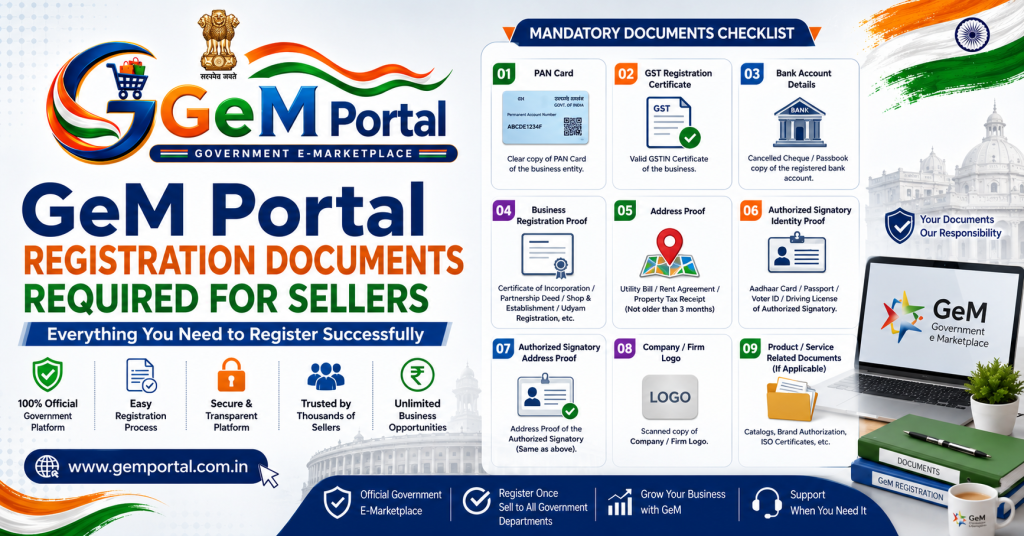
The core GeM portal registration documents every seller needs
- Aadhaar of the proprietor, partner or director who will control the account, with the linked mobile number working. Personal PAN is the alternative where Aadhaar is not available.
- Business PAN. For a proprietorship this is the proprietor’s own PAN.
- An email address the business controls and will keep.
- Date of incorporation or commencement of business.
- Bank account number and IFSC in the business name.
- Registered office address with pin code.
Hindi readers may find the same steps easier on our GeM portal kya hai page. That is enough to open the account. The next set is what makes the account actually usable for orders and bids, and skipping it is why some sellers sit for weeks wondering why nothing appears, a problem we cover in the profile section of our GeM portal registration guide.
GeM portal registration documents required by business type
| Business type | Extra documents | Where people slip |
|---|---|---|
| Proprietorship | Proprietor PAN and Aadhaar, GST or Udyam as business proof | Using a personal bank account instead of the firm account |
| Partnership firm | Firm PAN, partnership deed, authorised partner details | Deed not naming who can sign on behalf of the firm |
| LLP | LLP PAN, LLPIN, designated partner details | Selecting company instead of LLP as organisation type |
| Private or public limited | Company PAN, CIN, incorporation certificate, board authorisation | Legal name typed without the exact suffix |
| Trust or society | Registration certificate, entity PAN, signatory authorisation | Registration certificate issued in an old address |
GeM portal registration documents you need soon after, not on day one
GST certificate
Not always demanded at signup, but needed for higher value orders and most bids. Add it as soon as you have it.
Income tax returns
Returns for the last three years get checked when you bid above certain values. If you have not filed, that is a problem to solve before bidding, not during.
Udyam or DPIIT certificate
This is the one that pays for itself. Attaching Udyam gives micro and small enterprises purchase preference and, in many tenders, exemption from earnest money, which our tender guide explains in the EMD section. DPIIT recognition gives startups relaxations on turnover and experience conditions.
OEM authorisation
If you sell another manufacturer’s brand, you need their authorisation to list it. Get this in writing early, because chasing a manufacturer for a letter while a bid deadline runs is not a good week.
Category specific certificates
BIS marks, ISI, drug licences, EPF and ESI registration for manpower services, labour licence where applicable. What applies depends entirely on your category, and the bid document will name it.
File format and upload rules for GeM portal registration documents
- Scan in colour, straight, with all four corners visible.
- Keep each file within the size limit shown on the upload screen. Compress rather than crop.
- Name files plainly, such as gst-certificate.pdf, so you can find them again at bid time.
- Keep one folder on your computer with every document, refreshed whenever something is renewed.
Set calendar reminders for expiry dates. An expired certificate does not warn you. It just quietly removes bid options from your dashboard, and sellers spend days assuming the portal is broken when the fix takes ten minutes.
Verification errors and what causes them
PAN verification failed
Almost always a name mismatch. The name on your GeM form must match the income tax database exactly, including initials, spacing and suffixes such as Pvt Ltd. Check your PAN details on the income tax site, copy the name character for character, and retry. An inactive PAN or one linked to a closed entity will also fail.
ITR verification failed
Either the returns were not filed for the years being checked, the assessment year selected is wrong, or the filing is too recent to be reflected. Check the acknowledgement numbers and try the previous year.
GST name mismatch
The legal name on the GST certificate and the PAN must agree. If GST was registered under a trade name, use the legal name field on GeM.
Aadhaar OTP not received
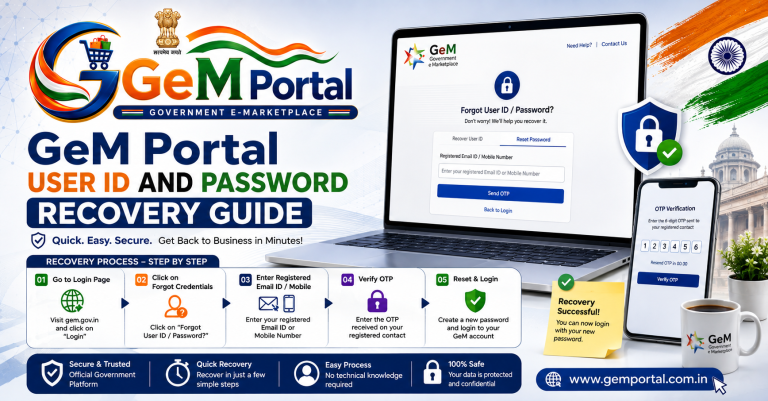
The OTP goes to the number linked with Aadhaar, which for many people is an old number. Update it at an Aadhaar centre or register using PAN instead. The wider set of OTP problems is covered on our GeM portal login guide.
PAN already exists
Someone has already registered with that PAN, often a former employee or a consultant. Do not open a second account. Recover the first one using the steps on our account recovery page.
Documents needed later, at bid stage
Registration documents get you an account. Bids ask for more, and asking for them on the last day of a tender is how sellers miss deadlines. Keep this second set current alongside the GeM portal registration documents required at signup.
- Audited financial statements or turnover certificate from a chartered accountant, for tenders with turnover conditions.
- Past supply order copies and completion certificates, for experience conditions.
- Test reports and product certifications specific to the category.
- Manufacturer authorisation, renewed before it expires rather than after.
- EPF and ESI registration and labour licence for manpower and housekeeping services.
- Declaration formats that the buyer attaches to the bid document.
The tender itself will name what applies. Reading three complete bid documents in your category before you ever bid, as suggested on our tender guide, tells you exactly which of these you should be collecting now.
How to keep a document folder that saves you a week each year
- One folder on your computer, backed up, named GeM documents.
- Inside it, subfolders for identity, tax, banking, certifications and past orders.
- Every file named plainly with the year, such as gst-certificate-2026.pdf.
- A one page index listing each document, its number and its expiry date.
- Calendar reminders one month before each expiry.
Expiry is the silent killer. When a certificate lapses, GeM does not warn you loudly. Options simply stop appearing, and sellers assume the portal is broken. The same symptom shows up in the profile checks described on our login guide.
Special cases people ask about with GeM portal registration documents
New business with no ITR history
You can still register, and you can still take direct purchase orders. Tenders that ask for three years of returns will be closed to you until you have them. Startups recognised by DPIIT get relaxations on some of those conditions.
Business registered in one state, operating in another
Use the registered address on the documents and add operating addresses in the profile. Mismatches between the GST address and the address you type are a common rejection cause.
Family business changing hands
If PAN and legal entity stay the same, update the authorised person rather than opening a new account. If the entity itself changes, it is a new registration. The transfer route is on our primary user page.
Reseller without manufacturer authorisation yet
Register and list categories where you do have authorisation. Chasing a manufacturer letter while a bid closes is a bad position to be in twice.
Frequently asked questions
What documents are required for GeM portal registration as a seller?
Aadhaar or PAN of the authorised person, business PAN, email, bank details and address at minimum, plus GST, ITR and Udyam or DPIIT where they apply.
Is GST one of the GeM portal registration documents required?
Not always at signup. It becomes necessary for higher value orders and most bids.
Can I register with a personal bank account?
Use the account in the business name. Payments follow the account details on the profile, and a mismatch creates problems at payment stage.
Do I need a digital signature to register?
Registration does not need one. Certain bid and contract steps may, depending on the buyer and the category.
How much does it cost to submit these documents?
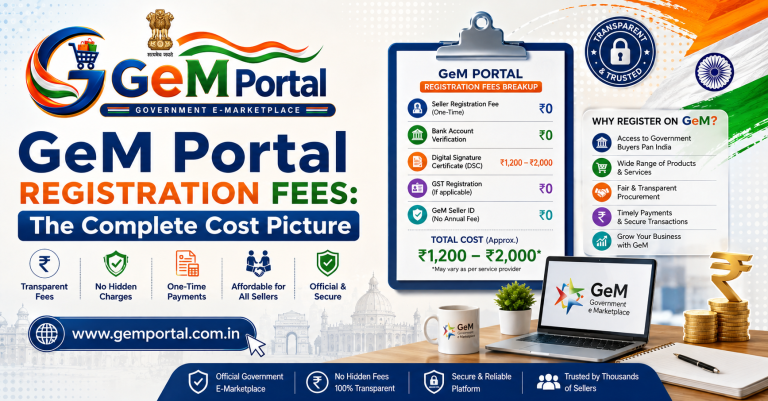
Nothing. Registration and document upload are free, as explained on our registration fees page.
My documents are in an old firm name. What now?
Update them at the source first, with GST and the bank, then register. Uploading mismatched documents guarantees a rejection later.